What does the free plan actually include?
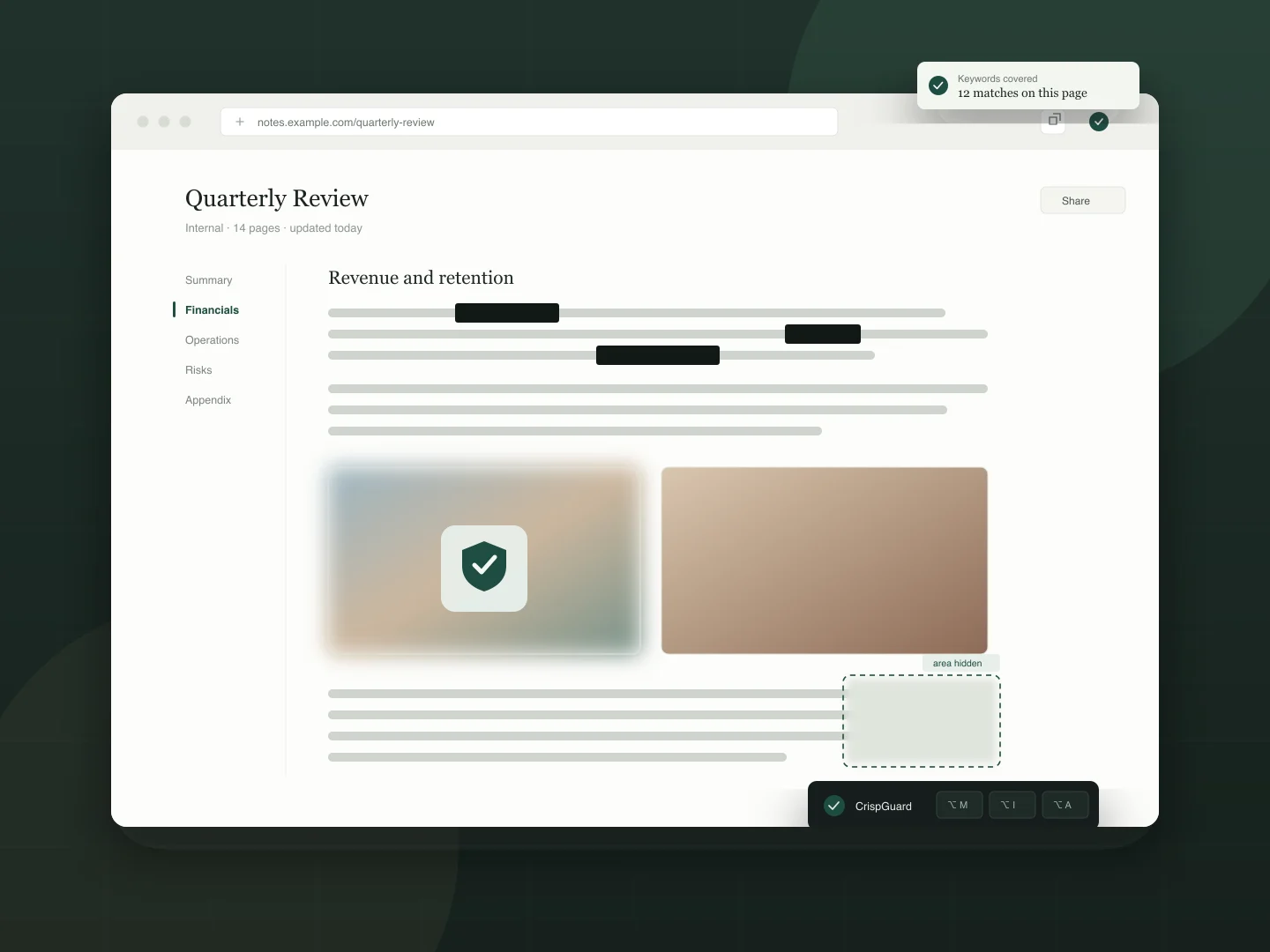
Keyword masking with a black bar, image masking with the default placeholder, area masking with blur and rectangle, spotlight (circle), full-page blur at low strength, the translucent veil at high, automatic protection on one site, and the “Loading” decoy page. No account, no time limit, no card.
What does the PRO licence unlock?
Seven image placeholder styles, image rules learned by picking, smart detection (phone numbers, emails, ID numbers, bank cards and amounts), custom mask colours and characters, mosaic and solid area masks, ellipse and scan-band spotlight, medium and high blur, medium and low translucency with smart translucency, automatic protection on unlimited sites, exception paths, the 6-digit site lock, the camera sentry and nine more decoy pages.
How many devices can I activate?
It depends on your plan — 2 devices for monthly, 4 for yearly. When you exceed the limit, the device you added first is removed automatically to make room for the new one.
I bought on one computer. How do I use it on another?
Open the Manage licence page, verify your email with a one-time code, and you will see every activated device. You can remove any of them there — the removed device re-activates on its next check.
Do I need an account, or to hand over personal data?
No. Neither the free plan nor the PRO licence needs an account, a sign-up or any personal details. Masking is decided and drawn inside your browser: page text, keywords and images never leave your device. The only email in the picture is the one you give the payment provider at checkout, so your licence key can reach you.
Does it change the page, and can a site tell?
It only draws covers on top of the page — it does not rewrite text, images or the page’s own code. A site that deliberately inspected the DOM could notice extra elements, but no ordinary site does, and nothing about the cover is sent to the site.
What happens when I cancel or get a refund?
The licence is revoked on our side, and the extension drops back to the free plan automatically. Everything you covered is restored.
Is the payment secure?
Card details never touch our servers. Checkout, invoicing and tax handling are carried out by our payment provider as merchant of record, including VAT and regional payments.
Does the veil or the sentry read my screen or camera?
The veil is a plain semi-transparent layer: it reads no page content and asks for no new permission. The sentry uses the camera only while you switch it on — frames are analysed in memory to decide whether someone is behind you, then discarded. Nothing is recorded, stored or uploaded.