CrispExtension

Browser tools, made carefully

Small tools that do one thing well.

Three focused Chrome extensions for the moments that matter: keeping a private page private, keeping several videos in view, and keeping several accounts of the same site apart. No bloat, no dark patterns, no account needed to try them.

Free plan · No account · Runs on your device

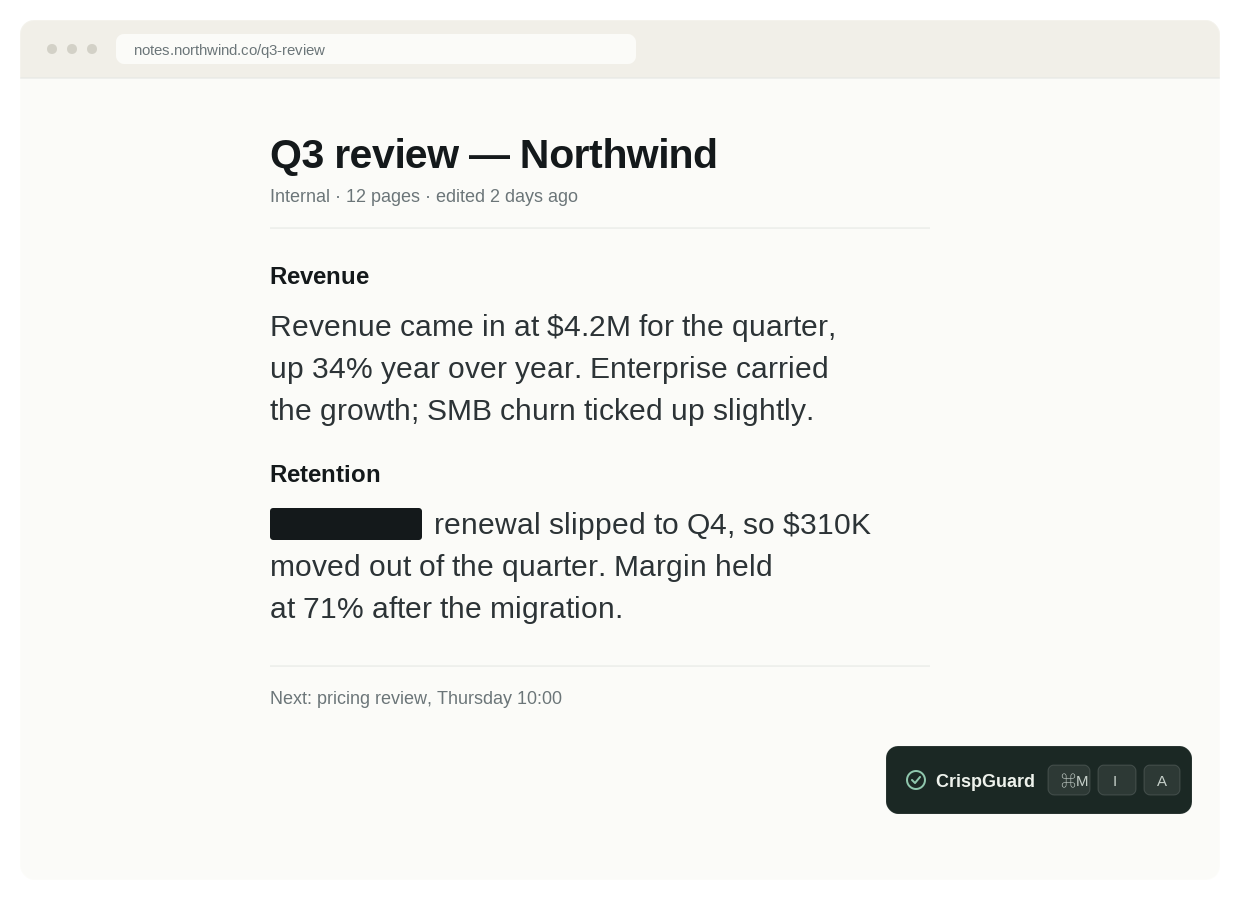
CrispGuard, masking one line of a shared screen.

Three tools. Three clear jobs.

Each product solves one problem properly, with an interface you can learn in a minute.

Multi-video picture-in-picture

Crispip

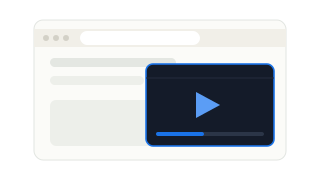
Watch several videos at once in a real picture-in-picture window.

  • Multi-video PiP — stack several videos in one always-on-top window and maximise any of them.
  • One-click recording and screenshots — up to 5 hours per take, saved locally.
  • Cinema mode, four layouts and a searchable video history on your device.
Screen privacy

CrispGuard

Hide what the person behind you should not read.

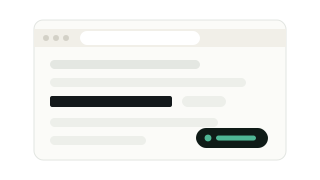
  • Keyword, image and area masking — black bar, blur or translucent veil.
  • Spotlight, page blur and smart detection for numbers, emails and cards.
  • Decoy page, 6-digit site lock and camera sentry, all decided on your device.
Account isolation

CrispLogin

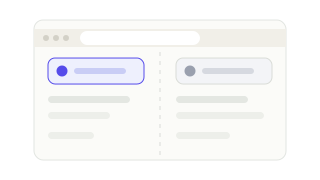
Keep several accounts of the same site apart — and end the session by closing the tab.

  • Named containers — separate cookies, storage and logins for every account of the same site.
  • Site snapshots and per-container proxies — freeze a logged-in state, or exit through a different IP.
  • One-click switching, logout on tab close, and a full cleanup of what a container left behind.

Three rules we don't break

The same three rules apply to everything we ship.

One job per tool

No suite, no dashboard, no features bolted on to fill a pricing table. Each extension does one clearly defined job.

Local by default

Masking decisions and video handling happen on your device. We do not need your browsing history to make the product work.

No dark patterns

No forced sign-up, no hidden renewals, no ads inside the tools. Pricing and limits are written on each product page in plain language.

Questions, answered

The short version. Each product page has the full privacy policy and terms.

Are the extensions free?

Both have a free plan you can use indefinitely, with no account and no credit card. Paid plans unlock the heavier features; billing and refunds are handled on each product's own site.

What data do you collect?

As little as possible. Crispip does not collect your personal data, and CrispGuard makes its masking decisions on your device. The exact details are in each product's privacy policy.

Which browsers are supported?

Chrome and Chromium-based browsers such as Edge, Brave, Arc and Opera, on desktop. Both tools install from the Chrome Web Store.

Do I need an account?

No. You can install and use the free plans without signing up. An email is only needed if you buy a licence, so the licence can be tied to you.

Which one should I install?

Choose Crispip if you watch lectures, streams or several videos at once. Choose CrispGuard if people can see your screen and some of it should stay private. Choose CrispLogin if you use several accounts of the same site. They work well together.